
Dynamic forms can save your team countless hours and simplify your everyday work, how?
Well, forms are how companies gather data for loan applications, job openings, lead generation, generate reports, payments, and so many more things.
With an increased desire for more accurate data and management, as well as the need for more efficient processes, dynamic forms could be what you need.
In this article we’ll cover:
- What dynamic forms are.
- How these specific forms are different from static forms.
- 15 processes you can automate with them.
- How to create complex dynamic forms without coding.
What is a Dynamic Form?
Dynamic forms, or smart forms, are rule based interactive forms that adjust or change according to the information previously entered by the user and the conditions predefined by the creator.
Smart forms let you pull/trigger data from/to third party applications and databases.
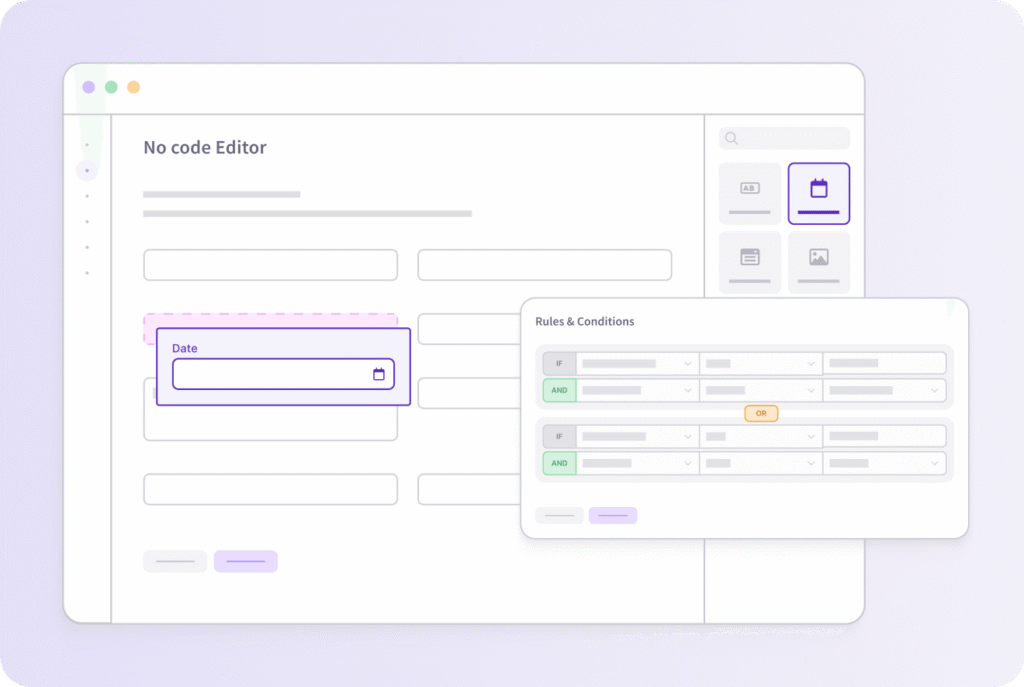
The premise to use dynamic forms is to create user centric, intuitive page layouts that display the right information at the right time.
This eliminates the need for later data transfer and data duplicity, which often leads to user error when doing data entry work.
15 Uses for Smart Forms
Employee onboarding
Expense reimbursement
Vendor payment information
Time off requests
Contracts
Evaluations
Approval processes
Purchase orders
Client onboarding
Surveys
Marketing
Claims
Requests
Loan applications
Budget approvals
Employee onboarding
Dynamic forms are a great way to extract the data from submitted forms and add it to your employee database automatically.
Work with an Employee Onboarding Template.
Expense reimbursements
You can automatically approve or deny these requests based on your predefined criteria.
Access Template.
Vendor payment information
Faster payments for you and your vendors. Attach backing documentation such as W-9s.
Time off requests
This makes it easier for managers and HR departments to keep up incoming requests with a friendly user interface.
Explore PTO Request Process Template
Contracts
Employee, vendor and customer contracts can be easily created, customized, stored and classified according to data entered.
Evaluations
Employee evaluations can all be stored in one place. You can automatically trigger follow ups or further evaluations after one is completed.
Approval processes
Easily start an approval process by letting the user fill out and add support information. Automatically approve or deny, redirect by topic, and update the user automatically.
Work with the Approval Process Template.
Purchase orders
Better communicate with vendors and put in accurate orders that get fulfilled faster. Make sure every piece of mandatory information is added with mandatory fields and customized forms.
See the Purchase Requisition Template
Customer onboarding
Invite your client to submit required information and documents with a click. Start following steps after the previous ones are completed.
Client surveys
Check in and gather feedback to help you make informed decisions.
Marketing
Used for lead generation and customized marketing workflows.
Insurance claims
Standard forms to guide users in the process and route data automatically.
Client requests
For a better customer experience you can use visibility rules to show the user only the fields they need to see when they need to see them.
Loan applications
Multiple applications in one that change according to data entered. Mandatory fields, document creation, e-signatures and more.
Budget approvals
Easy to use, fast to approve. Interdepartmental transparency starts with ready to use forms.
How to embed dynamic forms into your website
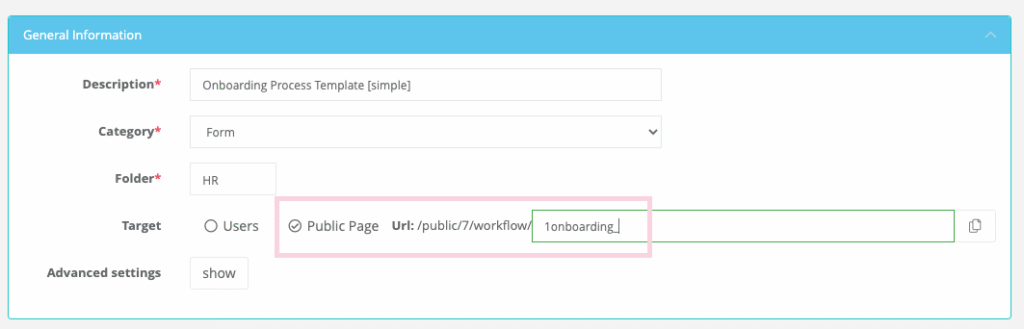
Once you have built your digital form with the form creator, you can embed it on your side to make it easily accessible to your users.
You will have to set up the form as a public page and copy the generated url. (See below)
Virtus Flow dynamic form builder features
- Drag and drop
- No code form builder
- Fully customizable with custom objects
- Powerful logic and conditions
- Automatically calculated fields with data pulled from third party apps and databases
- Rich field section components
- Ability to automate any business process, etc.
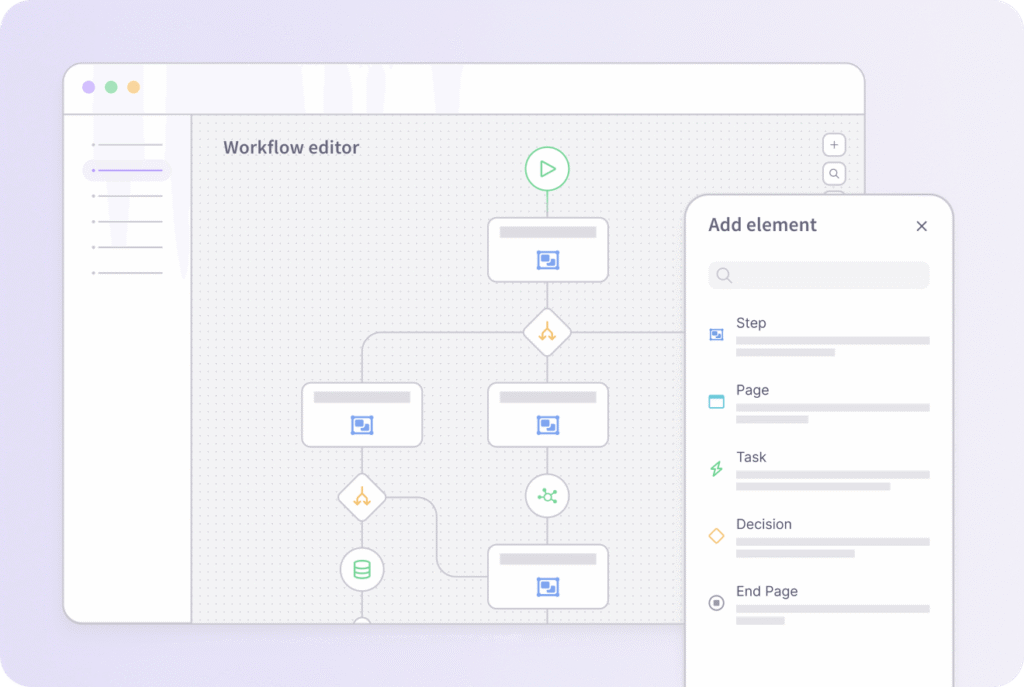



Start building Dynamic Forms today!
Learn how to automate complex forms without writing a single line of code.